Why MacBook Chargers Feel Warm: What’s Normal and What’s Not
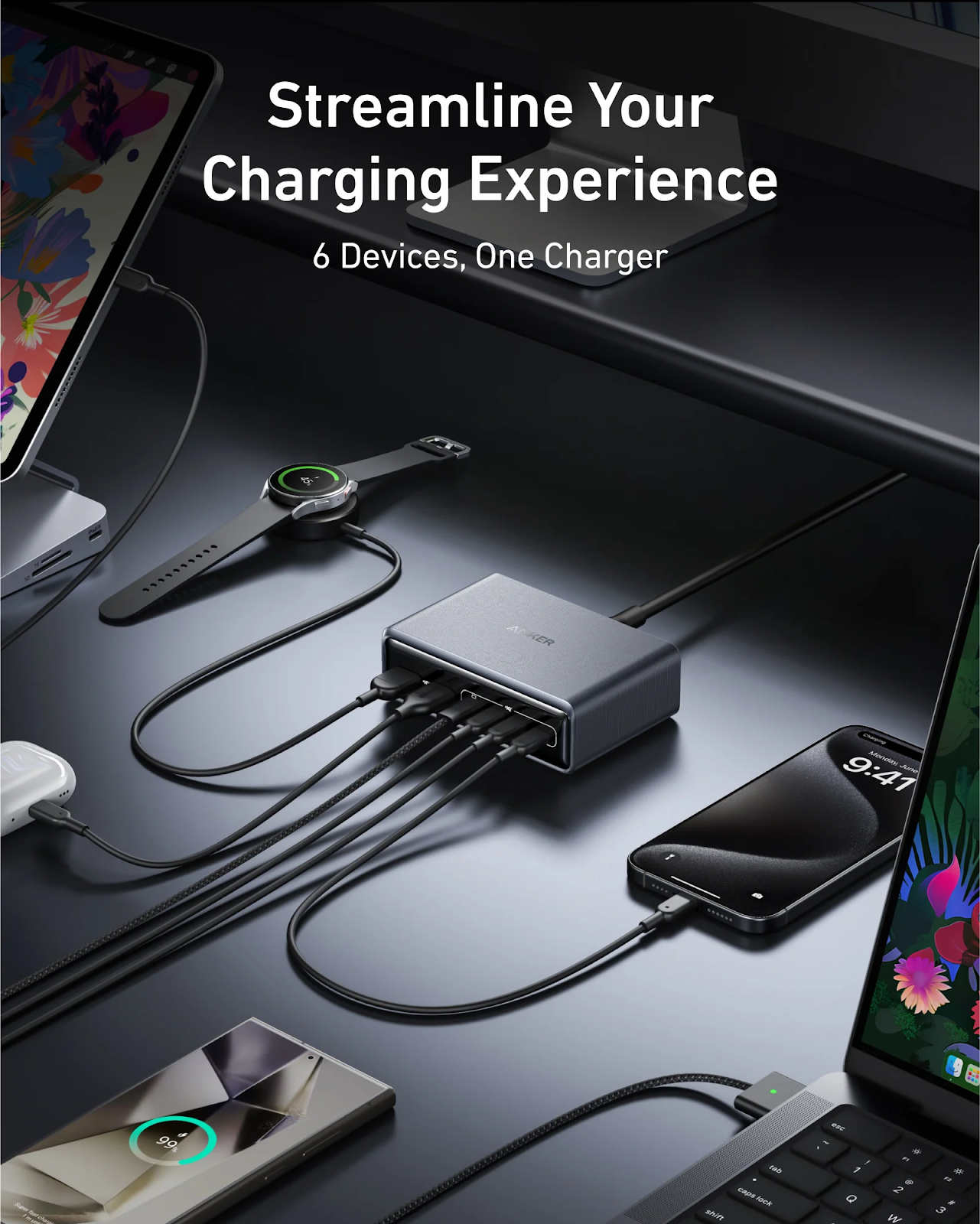
When you use the MacBook, you must have likely realized that your MacBook charger or MagSafe charger seems to be very warm when charging. This minor fact can be a matter of concern, particularly among the students and even professionals who rely on their devices during long hours of studying or working. Within the context of years of practical experience of using MacBooks in offices, classes, and on the road, I can state that a certain amount of warmth is entirely natural. The trick is to understand when that warmth is good and when it is a cause of concern.
Why a MacBook Charger Produces Heat
A macbook charger is a device that takes high voltage power in your wall socket and converts it to lower and safer voltage that can be used by your MacBook. This conversion process generates heat by default. The charger provides more power when your battery level is low, and this provides more warmth.
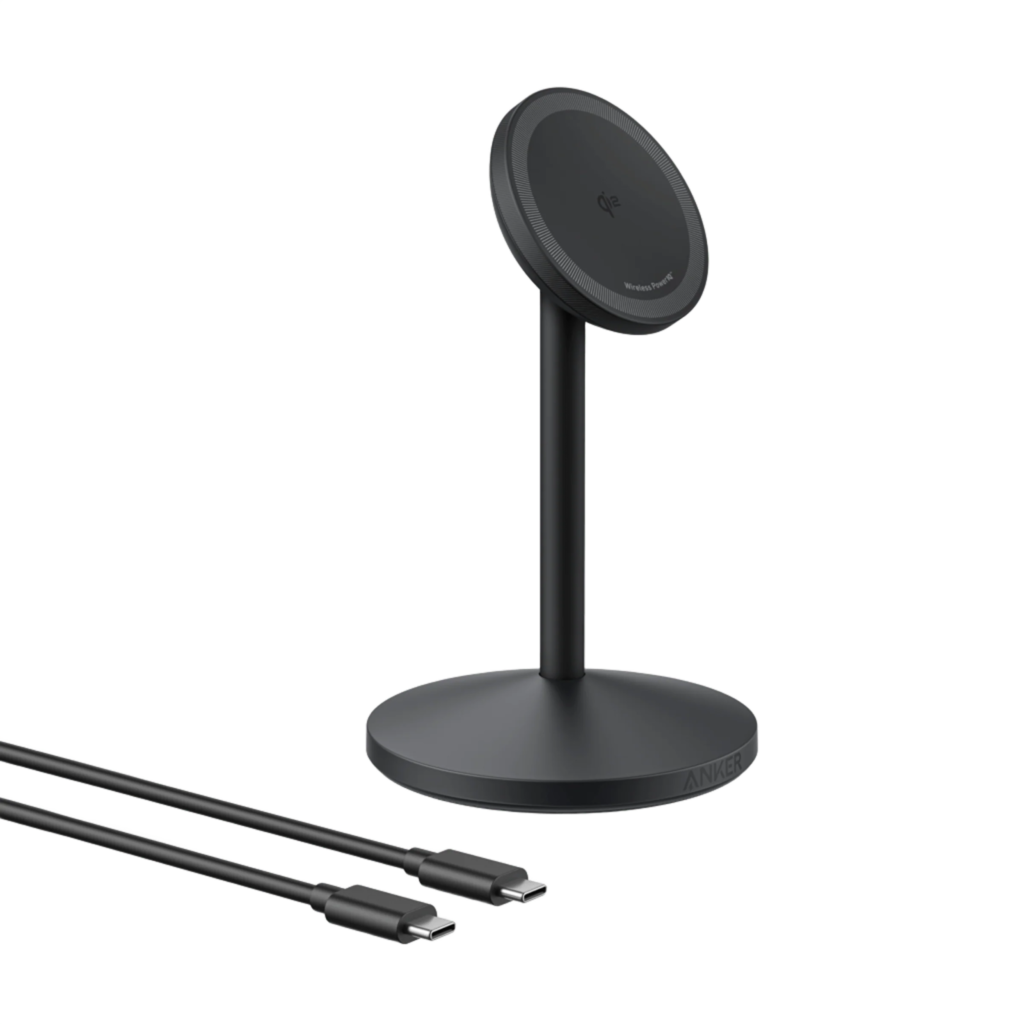
A MagSafe charger is a magnetic device that is compatible with your MacBook and that is why it aligns with it and provides stable power. The charger works more intensively during the fast charging process or when you are using your MacBook on the demanding applications, that is why you notice the temperature rise. This is a normal process of the charge cycle and not a defect.
What Type of Warmth Is Considered Normal
A MacBook charger that is warm and comfortable to touch is one that is working within a safe temperature range. A little warmth is anticipated in normal usage particularly when charging long hours. The quality of the chargers is designed to be able to manage heat effectively without compromising performance.
On the contrary, overheating is painful and hot. When your MagSafe charger gets very hot or has a burning smell or the charging process stops without any notice, these are some of the warning signs that cannot be overlooked. The symptoms usually indicate internal damage or electrical problems.
Common Reasons for Excessive Charger Heat
One of the causes of overheating is poor airflow. When you keep your MacBook charger on such soft surfaces as beds or couches, you trap the heat and cannot ventilate it. This may overtime strain the internal elements.
Damaged or tightly bent cables also are a contributor to overheating. In case internal wires are damaged, the resistance to electricity is high, producing additional heat. The high load, e.g. video editing or gaming during charging, causes the charger to be warmer than normal.
The other significant factor is low-quality chargers. Chargers which do not control their heat properly may become hot very fast and this may cause your MacBook battery to be damaged.
How to Reduce Heat From Your MacBook Charger
Simple habits are able to save a lot of heat. You should always put your MacBook charger on a hard surface that is flat to enable the heat to escape. Do not coil the charging cable around the adapter as this traps heat, which damages the cable in the long run.
It is also useful to unplug the charger after the battery is charged to the full extent to ensure that there is no unnecessary heat exposure. Personally, the improvement of the charger to a reliable and well-built one enhanced stability of the charging process and temperature regulation.
MagSafe Charger vs USB-C Charging Heat Differences
MagSafe chargers and USB-C chargers can get hot when in use, although magsafe charger have a particular fit with MacBooks. The magnetic bond enables the transfer of power more safely and easily in case of tension or build-up of heat.
USB-C chargers can get hotter when they are not of the required wattage of your MacBook. It is vital to use the right power rating to ensure that the charging temperatures are safe and your device is not damaged.
Conclusion
A hot Macbook power cable or MagSafe charger cable is not something to fret about. Power conversion is a natural process, which generates heat, particularly, when charging a battery in a short time or when using a laptop intensively. Normal warmth seems comfortable and stable and dangerous overheating seems intense and unnatural.
With a quality charger, good ventilation and care on warning signs, you can safely charge your MacBook and increase the life of your charger as well as battery. The most important aspect of stress-free and reliable charging is awareness.
FAQs
Is it safe when my MacBook charger is hot when charging?
Yes, it is quite natural that there is slight warmth. The charger is safe as long as it is not hot enough to touch it or leaving it some strange odors.
Will charger heat destroy my MacBook battery?
Your battery will not be damaged by normal heat, but regular overheating may cause battery degradation in the long run. This can be avoided through proper ventilation.
Is it permissible to leave my MacBook unattended overnight?
Contemporary MacBooks are power efficient, however, in case your charger gets too hot during the night, it might be a sign of a faulty charger or inadequate air circulation.
Are there any differences in heating of third party MagSafe chargers compared to original chargers?
Third-party chargers of high quality, which comply with appropriate power standards, can also be as safe. Low quality chargers on the other hand are more likely to overheat