What Does Qi2 25W Mean for MagSafe Charger User
The wireless charging landscape is undergoing a significant transformation. We are moving away from the era where wireless power was purely about convenience, sacrificing speed for a wire-free desk. With the arrival of 25W wireless protocols (based on the Qi v2.2 standard), the gap between wired and wireless efficiency is closing faster than anticipated.
For tech enthusiasts, this shift requires a re-evaluation of their current gear. It is no longer just about snapping a phone onto a magnet; it is about managing heat, understanding wattage, and optimizing the entire power delivery chain.
The Mechanics of 25W Wireless Speed
Upgrading to 25W is not as simple as a software update. It involves physical changes in how the transmitter coil handles energy. The new standard pushes the limits of thermal management in compact pucks, demanding more robust engineering than previous generations to maintain stability.
Hardware Compatibility
To achieve these new top speeds, you cannot rely on legacy accessories. For devices that can take advantage of 25W wireless charging, a dedicated magsafe charger built for the 15W era will cap speeds below the new ceiling. The internal copper coils and control chip must be specifically rated to handle the increased current.
Using an older magsafe charger on a new 25W-capable device often results in a handshake failure for the top tier. It will fall back to a lower compatible tier (often 15W or below, depending on the device, adapter, and thermal conditions), making the physical connection feel identical while the power delivery lags behind.
Thermal Throttling
Physics remains the ultimate governor of charging speed. Pushing 25W through an inductive coupling generates significant heat. If your magsafe charger lacks adequate dissipation—such as an aluminum housing or active cooling—the phone’s software will eventually throttle speeds to protect the battery health.
The Critical Role of the Input Source
Many users obsess over the wireless pad but neglect the source of the power. The wireless transmitter is essentially a middleman; it can only output what it receives from the wall. This makes the choice of your adapter just as critical as the pad itself.
Voltage Negotiation
For a wireless pad to output 25W, the input overhead must be higher. Apple notes up to 25W is achieved when paired with a 30W power adapter, and some multi-device Qi2 25W stands ship with even higher wattage. This is where a high-quality usb c charger becomes essential.
If you plug a high-end wireless pad into an underpowered or generic usb c charger, the system will collapse to a safe baseline. It may drop to a lower fallback rate (commonly somewhere in the 5W–15W range). The “handshake” between the adapter and the pad determines the entire system’s performance ceiling.
Efficiency Losses
Wireless conversion is inherently less efficient than wired connections. A usb c charger connected directly to a phone delivers energy with minimal loss. However, when wireless convenience is prioritized, you must over-provision your wall power to compensate for the energy lost as heat during the inductive process.
Integrating Mobile Power Solutions
The modern tech ecosystem is rarely limited to a single smartphone. Power users often carry a suite of devices, including tablets and high-performance laptops. This diversity complicates the charging strategy when you move away from the stationary desk setup and rely on portable energy.
Handling High Output
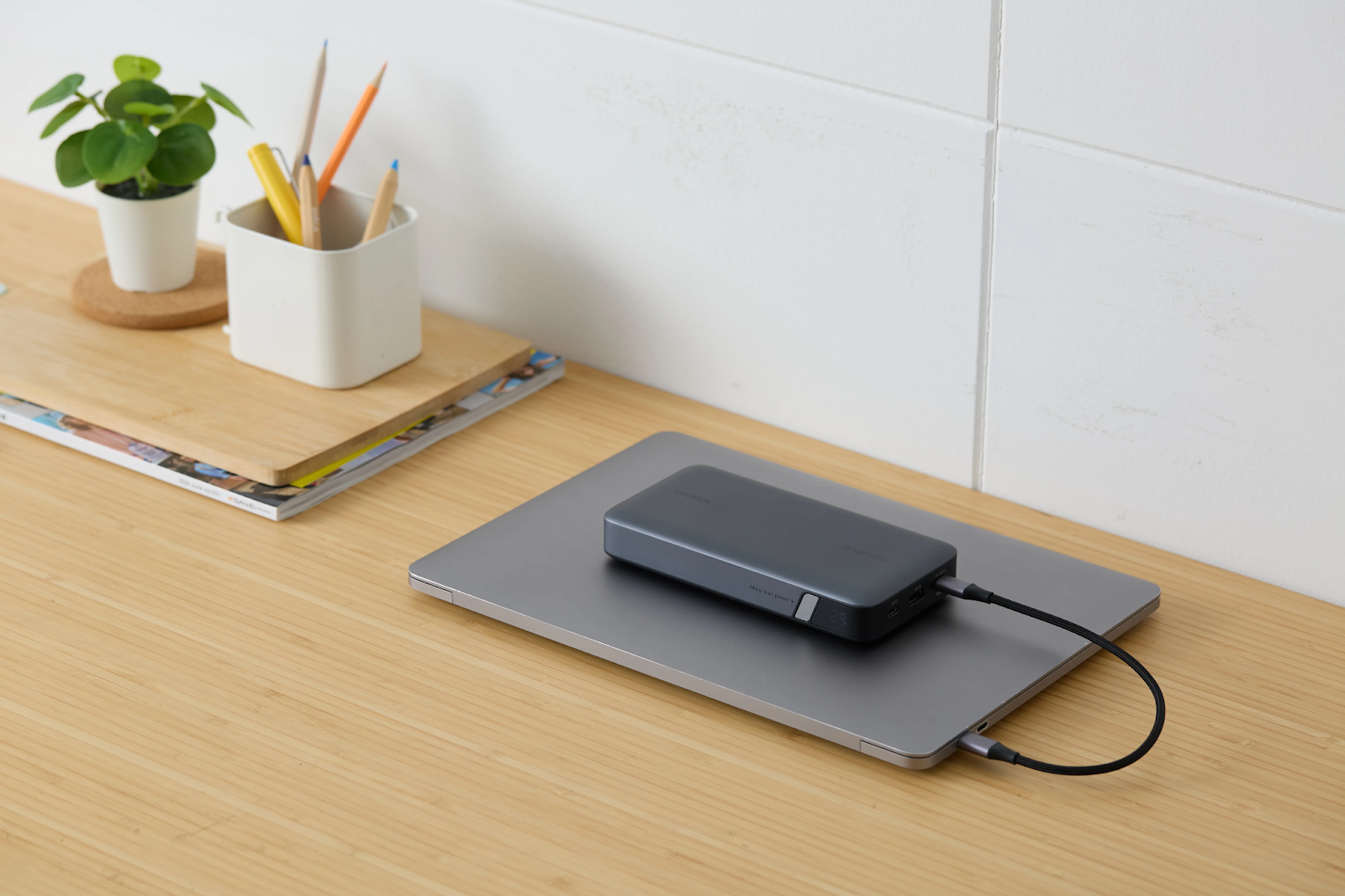
While 25W is great for phones, it is negligible for computing tasks. This is why a robustpower bank for laptop is a non-negotiable part of a geek’s everyday carry. These units are designed to output 65W–145W+ (and beyond, depending on the model), ensuring your workstation stays alive.
A standard battery pack cannot cope with these demands. A true power bank for laptop usage utilizes high-density cells and sophisticated voltage controllers to safely power a MacBook or Dell XPS while simultaneously offering a port to top up your phone.
The Unified Battery Strategy
The ideal setup involves a power bank for laptop workflows that also supports pass-through charging. This allows you to charge the battery bank via a usb c charger while the bank charges your devices. It creates a seamless loop where your laptop, phone, and accessories are always topped off.
Conclusion
As we embrace the 25W Qi2 and high-speed MagSafe era, the specifications of our accessories matter more than ever. The “it just works” philosophy now requires technical due diligence. You must verify that your magsafe charger is rated for the correct wattage and pair it with a capable usb c charger.
Furthermore, true mobility requires redundancy. While wireless speed is excellent for phones, keeping a high-capacity power bank for laptop needs ensures your heavier workflow is never interrupted. By balancing these three elements, you can build a charging ecosystem that is fast, cool, and efficient.