How to Add Product Video in WooCommerce
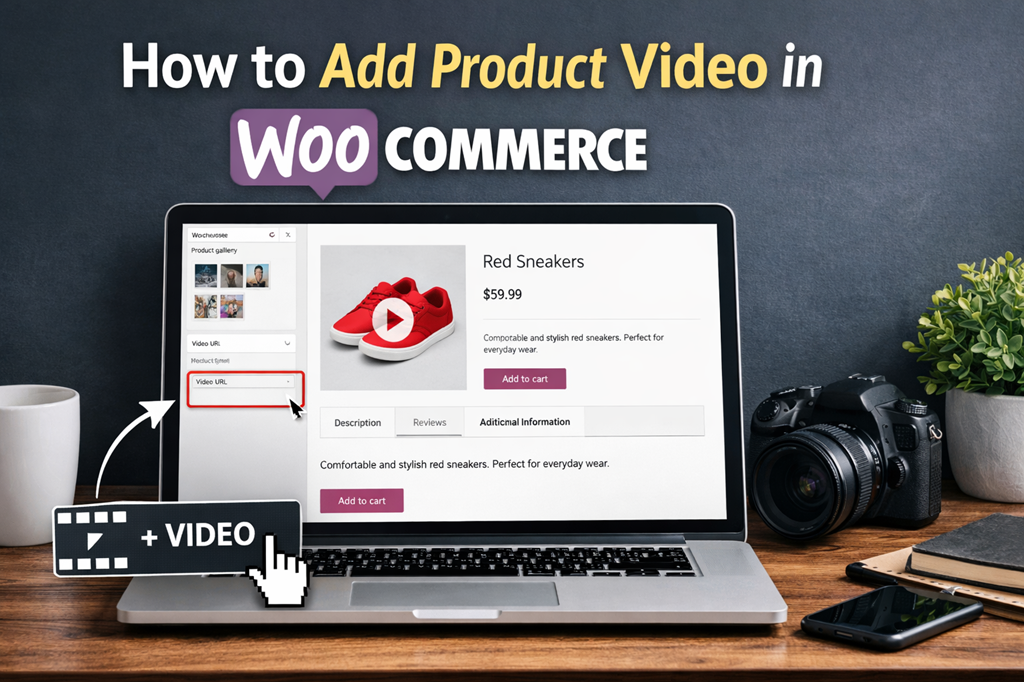
Looking to create a more engaging and interactive shopping experience on your WooCommerce store? Adding product videos to your product pages is one of the most effective ways to capture customer attention and boost sales.
Product videos allow you to showcase your products in action, highlight key features, and provide customers with the information they need to make confident purchase decisions. Unlike static images or text descriptions, videos offer a dynamic and immersive experience that can significantly increase conversion rates.
In this article, we’ll explore why adding product videos to WooCommerce product pages is essential for modern e-commerce stores. We’ll also look at real-world examples of top brands that leverage product videos successfully.
Plus, we’ll share the best plugins for adding product videos in WooCommerce and provide a step-by-step guide to help you get started quickly.
Why You Should Add Product Videos to WooCommerce Product Pages
Adding product videos to your WooCommerce product pages is one of the most effective ways to increase sales and boost revenue. Videos give your customers a clear, detailed look at what they can expect, helping them feel confident about their purchase.
In fact, studies show that 73% of online shoppers are more likely to buy a product after watching a video that explains how it works.
Here’s why product videos are a must-have for your WooCommerce store:
1. Showcase Apparel and Fashion Accessories
If your store sells clothing, shoes, or accessories, product videos can make a huge difference. For example:
- Show models wearing your apparel so customers can see the fit, color, and style in real life.
- Display products from multiple angles to give a 360° view.
- Highlight features such as fabric texture or unique design details that images alone can’t capture.
This helps customers visualize the product better before adding it to their cart.
2. Sell Custom or Personalized Products
For stores offering customized or made-to-order products, videos are invaluable:
- Explain features and customization options clearly.
- Highlight your unique value proposition and craftsmanship.
- Build trust by showing exactly what customers will receive.
A well-made video can be the difference between hesitation and a confirmed purchase.
3. Promote Digital Products
Digital products often have limited visual appeal through static images alone. Videos can:
- Demonstrate software, apps, or digital tools through screen recordings.
- Show workflows, dashboards, or product functionality in real time.
- Give potential buyers a hands-on feel before purchase, increasing confidence.
For instance, if you sell POS software, a video walkthrough can illustrate the layout and features, helping customers understand its usability.
Other Benefits of Adding Product Videos
Product videos aren’t just about showcasing your products—they also offer long-term benefits for your WooCommerce store:
Build Brand Trust
By providing more information and context about your products, you give customers confidence in your brand. A clear, informative video can instill trust and reduce uncertainty during the buying process.
Improve SEO
Search engines favor pages with rich media, including videos. Adding product videos can help your WooCommerce product pages rank higher in SERPs, making your products easier to discover online.
Help Customers Make Informed Decisions
Videos allow you to show your products in action, explain features, and highlight benefits. This helps customers make smarter purchasing decisions, reducing returns and encouraging repeat purchases.
Boost Sales and Conversion Rates
Ultimately, product videos can increase conversions and revenue. Engaging videos encourage shoppers to take action, and they help your WooCommerce store stand out in a crowded online marketplace.
Product Video Best Practices for WooCommerce
Adding product videos to your WooCommerce store can significantly boost engagement and sales, but only if they’re done right. Here are the best practices to make your product videos effective and customer-friendly:
1. Keep Videos Short and Engaging
Your videos should capture attention quickly. Aim for under one minute to showcase your product in action without losing viewer interest. Focus on:
- Demonstrating the product in real-life scenarios
- Highlighting key features or benefits
- Avoiding long-winded explanations that may bore your audience
Short, focused videos make it easier for customers to understand your product and make a purchase decision quickly.
2. Optimize Video File Size
Large video files can slow down your site and frustrate customers. Compress your videos to keep them under 2 MB whenever possible. This ensures fast loading times for all users, whether they’re on Wi-Fi or mobile data.
Pro Tip: Use online video compression tools to reduce file sizes without losing quality.
3. Make Controls Clearly Visible
Ensure the play, pause, and volume buttons are easy to see and use. Customers should be able to start or stop the video effortlessly. Clear controls improve the user experience and encourage more viewers to watch your videos.
4. Autoplay and Lightbox Display
For maximum engagement:
- Set videos to autoplay when clicked
- Open them in a lightbox or popup overlay
This allows customers to watch your videos in a distraction-free environment without leaving the product page. It keeps attention focused on your product and helps drive faster conversions.
5. Make Videos Customer-Focused
Your videos should provide value beyond just selling the product. Think about what your customers want to see:
- How the product works
- How it looks in different settings or angles
- Tips for using it effectively
This approach helps customers make informed purchase decisions, reducing returns and building trust in your brand.
6. Use Videos for Cross-Selling
Product videos are also a great opportunity to promote related products. For example:
- A video showcasing jeans could also feature a matching t-shirt or sneakers
- Highlight complementary products in action to encourage customers to buy the full look
This tactic can increase average order value while creating a more engaging shopping experience.
Top product video plugins for WooCommerce
Here, we’ll take a look at some of the top product video plugins for WooCommerce.
WooCommerce Product Video plugin FMEAddons
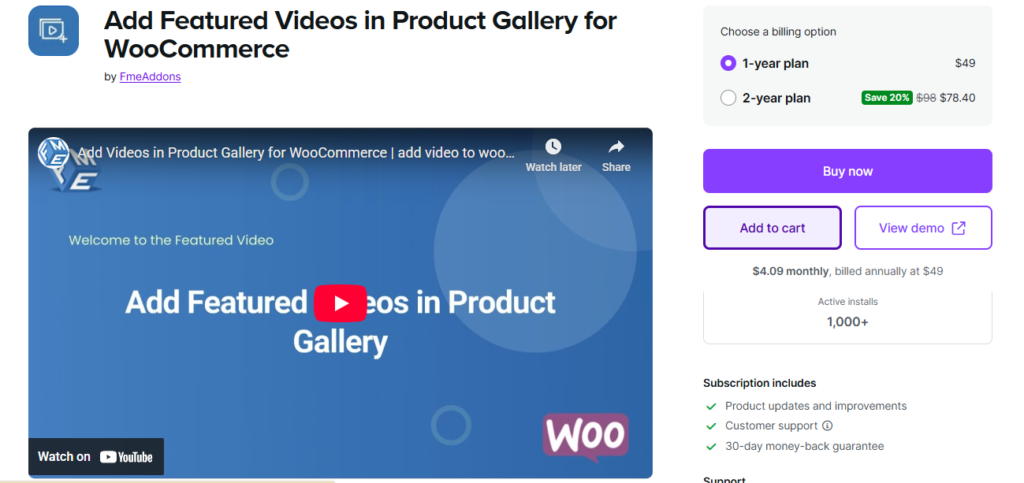
The WooCommerce Product Video Plugin enhances your product pages by adding engaging, high-quality videos directly to the product gallery. You can either replace the featured image with a video or display videos alongside your images, or use both for maximum impact.
Key Features
- Upload videos directly or embed from popular platforms like YouTube, Vimeo, Dailymotion, Metacafe, and Facebook.
- Showcase products in action, giving customers a realistic view of your offerings.
- Display a single featured video or multiple videos within the product gallery.
- Videos can also appear on shop and listing pages, making it easier for customers to engage without navigating away.
- Supports lightbox pop-ups for better viewing, keeping customers focused on your product.
Pricing: The WooCommerce Product Video Plugin is available for $49.
With this plugin, your WooCommerce store can deliver an immersive shopping experience, improve engagement, and boost conversion rates by letting customers see products in motion.
CommerceKit
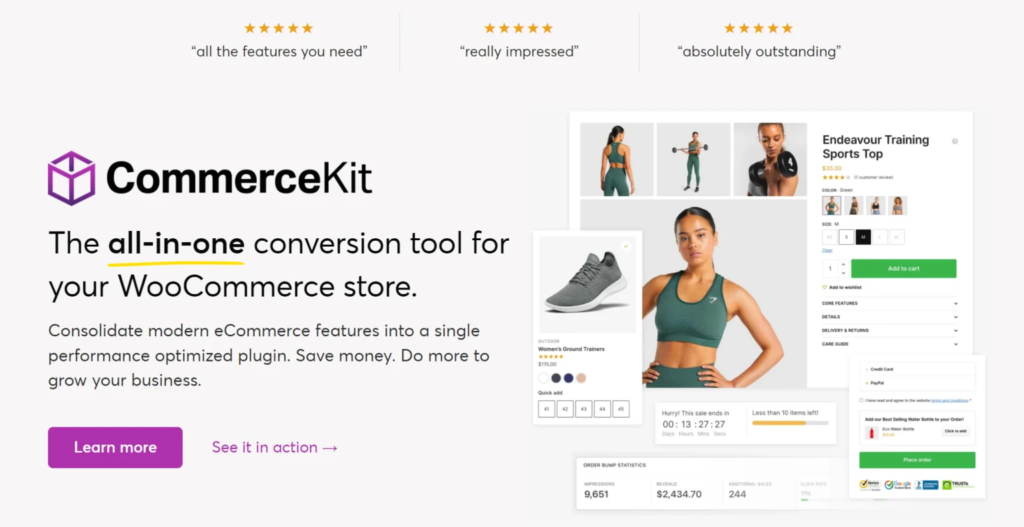
CommerceKit is an all-in-one solution for customizing the front-end appearance and functionality of your WooCommerce store.
With CommerceKit, you can create attractive product galleries on your single product pages that support auto-playing video thumbnails. Customers can also view videos in a separate lightbox, providing an interactive and engaging shopping experience.
Pricing: CommerceKit is included for free with the Shoptimizer theme. The Shoptimizer theme package starts at $49.
YITH WooCommerce Featured Audio & Video Content
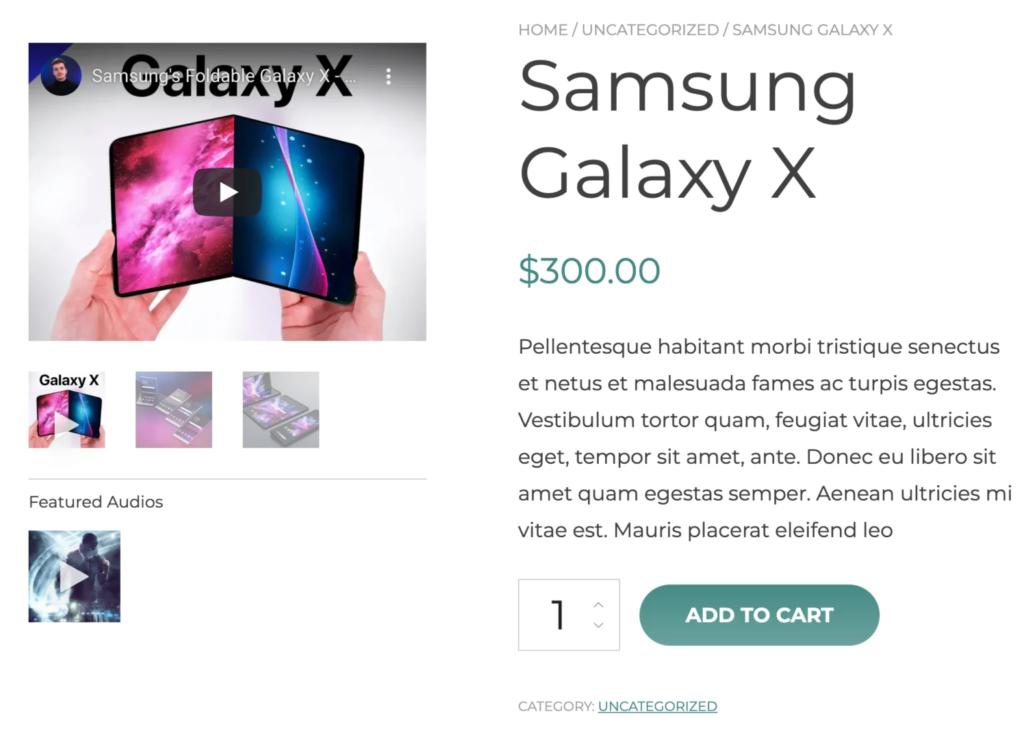
The YITH WooCommerce Featured Audio & Video Content plugin is a responsive and well-designed solution for adding multimedia content to your WooCommerce store.
It provides an intuitive way to add videos and audio files to product galleries on single product pages. By creating custom video galleries, you can showcase your products more effectively and provide customers with additional information that helps them make informed purchase decisions.
Pricing: The YITH WooCommerce Featured Audio & Video Content plugin starts at $59.99 per year.
Conclusion
Adding product videos to your WooCommerce store can boost sales, improve engagement, and build trust with your customers.
Videos on product pages give shoppers a realistic view of your products, show them in action, and make it easier for customers to make informed purchase decisions quickly.
With many product video plugins available, choosing the right one can feel overwhelming. While most plugins work well, the WooCommerce Product Video Plugin stands out as a powerful and user-friendly solution.
This plugin allows you to upload or embed unlimited product videos, display them alongside images or as featured videos, and showcase them in a lightbox or on shop pages for maximum visibility. With a price of $49, it offers a simple and cost-effective way to enhance your WooCommerce product pages and create a more engaging shopping experience for your customers.