How to Add Custom Product Options in WooCommerce Without Coding in 2026
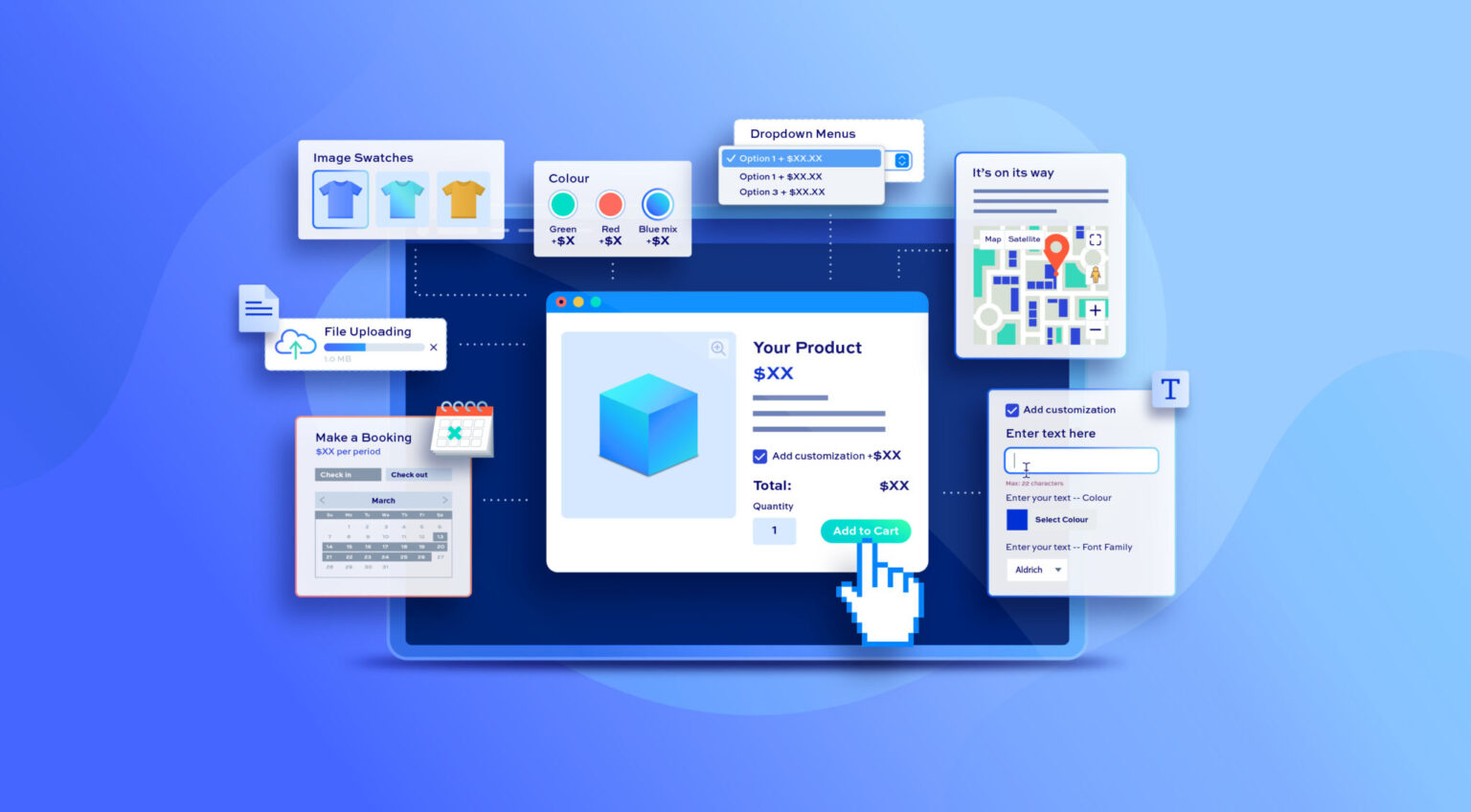
Selling simple products online is easy. Selling personalized products? That gets complicated fast.
Customers now expect flexibility when shopping online. They want to select colors, upload designs, choose materials, add custom notes, pick delivery preferences, and sometimes completely personalize a product before checkout. The problem is that WooCommerce, by default, does not offer advanced customization features out of the box.
That is why many store owners now use a proper product add on WooCommerce setup to create customizable product pages without touching code.
In this guide, we’ll look at how to add custom product options in WooCommerce, which features matter most in 2026, and what solutions work best for stores that need flexible product customization.
Why Custom Product Options Matter More Now
Modern customers rarely want “one-size-fits-all” shopping anymore.
Whether someone is ordering a custom cake, personalized mug, engraved jewelry piece, or printed t-shirt, they usually expect additional options before placing the order.
Without proper customization fields, customers often:
- Leave the store confused
- Contact support manually
- Place incomplete orders
- Abandon the purchase entirely
A smart product add on WooCommerce setup solves this by collecting all required information directly on the product page.
It also creates a smoother shopping experience because customers can configure everything before checkout.
Common Product Options Store Owners Add
Different businesses need different customization fields.
Some common examples include:
Text Inputs
Useful for engraving names, gift messages, or personalization instructions.
File Uploads
Perfect for print shops, merchandise stores, or businesses accepting customer artwork.
Color Swatches
Customers can visually choose colors instead of selecting from plain dropdown menus.
Checkboxes and Radio Buttons
Helpful for optional add-ons like gift wrapping or premium packaging.
Date and Time Pickers
Often used for event bookings, cake deliveries, or appointment-based products.
Image Selection Fields
Great for selecting designs, styles, or templates visually.
A flexible product addons for WooCommerce plugin usually combines all these options into one organized system.
The Problem With Coding Custom Fields Manually
Some store owners try custom coding first.
At first, it sounds manageable. But things get messy quickly.
Manual coding often creates problems like:
- Theme conflicts
- Checkout issues
- Broken updates
- Pricing calculation errors
- Poor mobile responsiveness
- Compatibility problems with WooCommerce updates
And honestly, maintaining custom code long-term becomes frustrating for most stores.
That’s why plugin-based solutions are usually the smarter route now.
A Practical No-Code Solution for WooCommerce
One of the stronger options currently available is the Product Addons and Custom Fields Manager for WooCommerce plugin by FmeAddons.
Instead of relying on custom development, it allows store owners to create advanced product customization fields directly from the WooCommerce dashboard.
The plugin supports:
- 19 different field types
- Conditional logic
- File upload fields
- Color swatches
- Mandatory fields
- Price-based add-ons
- Rule-based product targeting
- Product and category assignment
For stores trying to build a proper product add on WooCommerce experience without hiring developers, this setup makes the process much easier.
Conditional Logic Makes Product Pages Smarter
One feature that matters a lot now is conditional logic.
Without it, product pages become cluttered very quickly.
For example:
A bakery store may only show “Custom Message” fields if the customer selects a birthday cake.
A print shop may only show upload options when customers choose custom printing.
A furniture store may display fabric selections only after customers select a premium material package.
Conditional logic keeps product pages cleaner while still allowing advanced customization.
The FmeAddons plugin handles this using AND/OR conditions between fields, which gives store owners much better control over how options appear.
That flexibility is one reason many businesses now rely on advanced product addons for WooCommerce instead of static product pages.
Charging Extra Fees for Add-Ons
Customization also creates additional revenue opportunities.
Instead of selling only the base product, stores can charge extra for:
- Premium materials
- Rush processing
- Additional accessories
- Gift packaging
- Extended warranties
- Personalization services
A strong product add on WooCommerce setup allows each field to carry its own pricing structure.
For example:
- Add engraving: +$10
- Upload custom logo: +$15
- Premium gift box: +$8
Small add-ons like these often increase average order value without requiring more traffic.
Why Organized Product Pages Convert Better
One mistake many stores make is adding too many options without structure.
Customers get overwhelmed quickly.
Instead of stuffing everything into one long page, smarter product customization systems organize fields using:
- Headings
- Paragraph sections
- Conditional displays
- Grouped options
- Logical field flow
This improves readability and reduces customer confusion.
A well-designed product addons for WooCommerce setup should feel simple to use even if the product itself is highly customizable.
Product Types That Benefit Most From Custom Options
Not every store needs advanced product fields. But for some industries, they are almost essential now.
Personalized Gift Stores
Names, custom messages, and uploaded images are common here.
Printing Businesses
Customers usually need file upload functionality and design instructions.
Food and Bakery Shops
Flavor selection, delivery timing, and decoration preferences matter a lot.
Furniture Stores
Material selection, dimensions, and finishes often require multiple fields.
Clothing and Merchandise Brands
Size customization, logo uploads, and color swatches improve ordering accuracy.
For these businesses, investing in a proper product add on WooCommerce system usually improves both conversions and order clarity.
Other Solutions Some Store Owners Use
There are other ways to add custom fields too.
Some people use:
- Page builders
- Theme-based product options
- Custom code snippets
- Checkout customization plugins
These approaches sometimes work for basic needs, but they often lack flexibility for complex product customization.
That’s where dedicated product addons for WooCommerce plugins usually perform better because they are built specifically for advanced product-level customization.
Small Tips for Better Product Customization
Adding fields alone is not enough. The way they are presented also matters.
Here are a few things that help:
Keep Important Fields Near the Top
Customers should not scroll endlessly for key options.
Avoid Too Many Mandatory Fields
Only require information that is actually necessary.
Use Visual Swatches When Possible
Colors and images improve usability compared to plain dropdown menus.
Group Related Options Together
This keeps the page cleaner and easier to understand.
Test Mobile Layouts
A large percentage of WooCommerce traffic now comes from mobile users.
A properly optimized product add on WooCommerce experience should work smoothly across all devices.
Final Thoughts
Product customization is becoming a standard expectation in online shopping, not just an extra feature anymore. Customers want flexibility, personalization, and clearer control over what they’re ordering.
Trying to build advanced product fields manually often creates more problems than it solves. That’s why no-code solutions are becoming the preferred choice for WooCommerce store owners in 2026.
For stores looking to implement reliable product addons for WooCommerce, the FmeAddons Product Addons and Custom Fields Manager plugin offers a strong balance between flexibility and usability. It supports advanced field types, conditional logic, pricing controls, and organized rule management without requiring technical setup.
More importantly, it helps stores create cleaner product pages that collect the right information before checkout instead of after the order is already placed.
A smart product add on WooCommerce setup does not just improve customization. It improves the entire buying experience for both customers and store owners.