Neural4D Review: Benchmarking Direct3D-S2 Efficiency in High-Resolution 3D Production
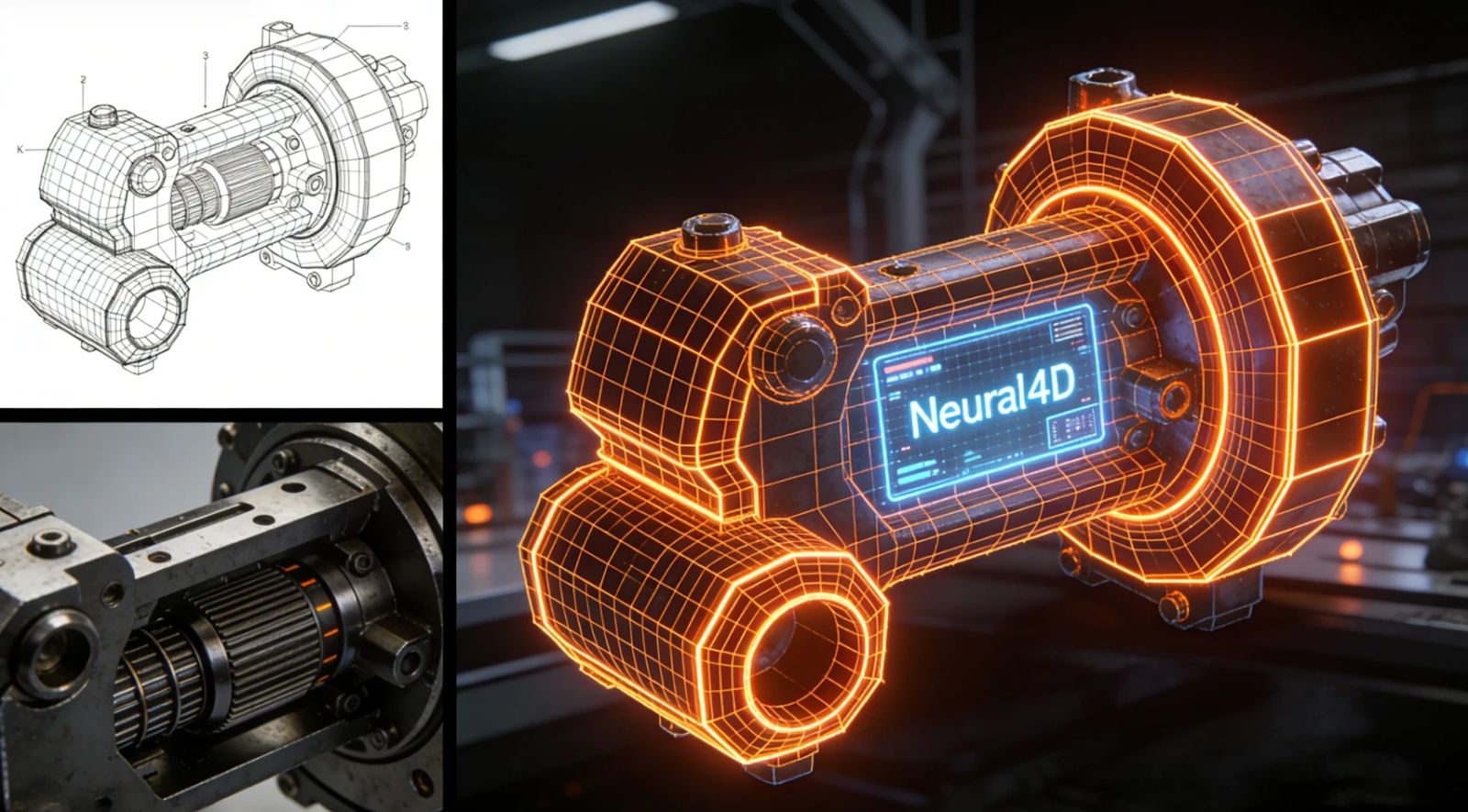
The primary bottleneck in modern 3D asset creation isn’t a lack of tools; it is the massive computational overhead required to generate production-ready geometry. Most existing solutions rely on brute-force probabilistic models that struggle with topological consistency. As enterprises seek to automate asset creation, the demand for a high-fidelity mesh AI that balances speed with geometric precision has become a critical technical requirement.
Neural4D (N4D) enters this space not as a creative toy, but as a high-performance studio built on the Direct3D-S2 architecture. This review examines how its underlying logic handles the transition from 2D input to engine-ready 3D output.
1. Architecture Analysis: Why Direct3D-S2 Matters
The core of Neural4D’s performance lies in its Spatial Sparse Attention (SSA) mechanism. Unlike standard transformers that process every voxel regardless of its importance, SSA focuses compute resources only on active geometric surfaces.
In our testing, this resulted in an inference speed approximately 12 times faster than industry benchmarks. For a CTO or Tech Lead, this translates to batch inference capabilities that were previously cost-prohibitive.
⚡ Key Technical Benchmarks:
- Resolution: Supports up to 2048³ native volumetric generation, significantly higher than the 1024 standard.
- Latency: Sub-minute generation for complex 3D structures.
- Reliability: The SSA mechanism effectively lowers the hallucination rate, providing a more deterministic output compared to competing models.
In the current market, identifying the right tool requires a look at Rodin alternatives to see how architectural choices dictate final output quality.
2. Production Readiness: Topology and PBR Integrity
A generated model is useless if it requires hours of manual cleanup. Our review of N4D’s output focused on three pillars of “production readiness”:
🎯 Watertight Mesh & Geometry Neural4D generates mathematically closed, watertight structures. This is a non-negotiable requirement for 3D printing and physics simulations. When exporting to .stl, the walls maintain actual thickness, ensuring the model is ready for a slicer without manual hole-patching.
🎯 Clean Topology & Edge Flow The engine prioritizes quad-dominant mesh layouts. This “clean topology” allows professional 3D artists to perform retopology or manual adjustments in Blender or Maya without fighting a “triangle soup” of messy vertices.
🎯 Pure Albedo & PBR Workflow Most AI generators suffer from “baked-in” lighting, where shadows are rendered directly onto the texture. N4D utilizes a material separation algorithm to output pure albedo textures alongside Normal, Roughness, and Metallic maps. This ensures the asset reacts correctly to dynamic lighting within Unity or Unreal Engine.
3. Neural4D-2.5: The Conversational Iteration Layer
The most significant update in this suite is Neural4D-2.5, a conversational multi-modal model. It addresses the “Slot-Machine Problem” where users must regenerate from scratch if the first result is off.
By using natural language instructions, developers can refine specific details, such as adjusting a character’s proportions or changing a prop’s surface material, without losing the base mesh’s integrity. This iterative loop is what makes the tool viable for pipeline integration in professional studios.
4. Final Verdict: A Strategic Asset
Neural4D is a specialized tool for those who prioritize pipeline compatibility and geometric accuracy over mere visual novelty. By supporting native .fbx, .obj, and .glb exports, the mesh drops directly into existing workflows with textures properly mapped.
For enterprises managing large-scale 3D asset needs, the Custom API Solutions offer a way to embed this high-fidelity generation directly into e-commerce or game development stacks. It is a straightforward addition to the workflow that ensures your assets look correct under any lighting condition in your engine of choice.