8 Best YouTube Video Editors Every Creator Should Try
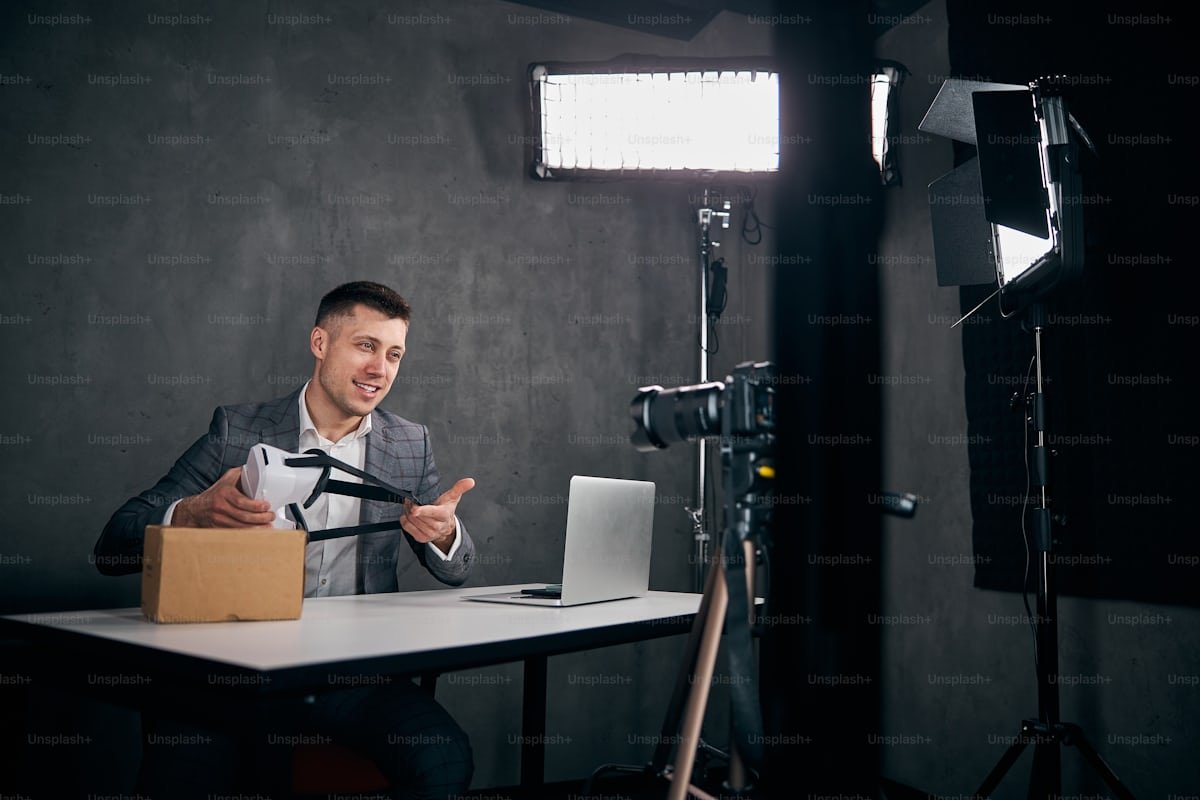
Creating compelling YouTube videos today requires more than just good ideas—it demands thoughtful editing, polished visuals, and a tool that supports your creative style. Whether you’re making tutorials, product demos, travel videos, vlogs, or short-form content, the right editor can dramatically elevate your workflow. And with so many editing platforms available, choosing one can feel overwhelming.
If you’re just getting started or you’re looking to refine your existing workflow, this roundup of the 8 best YouTube video editors will help you find the perfect match for your needs. You’ll also come across options that work as a video maker app, making editing even more flexible for on-the-go creators.
Below are the top editors worth considering, starting with invideo, followed by several other strong options used by YouTubers around the world.
1. Invideo – Best All-Round Editor for YouTube Creators
If you’re searching for a tool that strikes a balance between ease and versatility, invideo stands out. Many creators use invideo when they want a youtube video editor that feels intuitive but still offers the creative depth needed for polished content. It supports everything from quick cuts to stylized visuals, making it suitable for beginners as well as creators who want to produce more refined videos without feeling overwhelmed.
Key Features
- A straightforward interface that keeps editing from feeling complicated
- Rich media library for faster content creation
- Text overlays, transitions, and visual elements suitable for YouTube storytelling
- Cloud-based workflow so you can edit from multiple devices
Best For
Creators who want simplicity with enough control to personalize their videos.
Why It Stands Out
Invideo’s ease of use makes it a great starting point, especially when experimenting with new formats or trying to maintain a consistent upload schedule.
2. Clipchamp – Great for Lightweight, Everyday Editing
Clipchamp is a browser-based editor that’s ideal for creators who prefer simplicity but still want access to core editing tools. Because it runs online, you don’t need a powerful computer—just a stable connection.
Key Features
- Drag-and-drop editing flow
- Useful audio and visual enhancements
- Screen and webcam recording
Best For
Creators who want an uncomplicated editor that still produces clean, professional results.
3. Wave.video – Solid Pick for Social + YouTube Video Workflows
Wave.video is built with online creators in mind. Its interface is friendly, making it a popular choice among vloggers, educators, and small businesses.
Key Features
- Quick resizing for different platforms
- Built-in stock footage and audio
- Transition and text options
Best For
Creators who want a tool that works for both YouTube and shorter social content formats.
4. Moovly – Ideal for Animated and Mixed-Media Videos
Moovly provides a unique approach by combining stock assets, animations, and traditional editing. If your channel leans toward explainer videos or educational content, this flexibility can save a lot of time.
Key Features
- Library of illustrations, icons, and animated elements
- Browser-based editing
- Voiceover support
Best For
Creators who want to blend live action with animation without using complicated software.
5. Magisto – Quick Video Editing with Smart Automation
Magisto is known for its AI-assisted editing, which can help speed up video creation. It’s especially useful for creators who want quick turnarounds without spending hours piecing together footage.
Key Features
- Automated editing suggestions
- Music and style presets
- Mobile editing support
Best For
Creators who want minimal-effort editing for quick YouTube uploads.
6. Biteable – Best for Simple, Polished Visual Stories
Biteable is great for creators who focus on clean, visually engaging content such as explainers, intros, outros, or storytelling-style videos.
Key Features
- Easy timeline structure
- A library of animated scenes
- Good for structured content formats
Best For
Creators who want polished, animated-style content without learning complex tools.
7. Typito – Perfect for Text-Heavy Video Formats
If your YouTube content relies heavily on text—think listicles, inspirational videos, or educational explainers—Typito is a strong choice. Its standout strength is text animation and easy customization.
Key Features
- On-video text editing
- Motion graphic elements
- Brand-style consistency
Best For
Creators who prioritize typography and message clarity.
8. Kapwing – A Versatile Editor with Strong Online Tools
Kapwing is another well-rounded editor that supports both traditional video editing and additional creator-friendly utilities. Because everything runs online, it’s easy to start a project from any device.
Key Features
- Online timeline editing
- Collaborative editing features
- Subtitles, resizing, and cleanup tools
Best For
Creators who want accessible editing with a wide selection of utility tools.
Choosing the Right YouTube Video Editor: What Really Matters
Every creator has different needs, but there are a few things worth prioritizing when selecting your editor:
Ease of Use
If editing feels overwhelming, you’re less likely to stay consistent. Tools like invideo, Clipchamp, and Magisto excel in keeping things simple without sacrificing core functionality.
Feature Depth
Think about whether you need cinematic tools, fast content creation, animation, or strong typography. Each of the editors listed above offers something different.
Device and Workflow
Some creators edit entirely on a laptop; others prefer an online tool; and some want the flexibility of a video maker app. Picking the right workflow dramatically improves productivity.
Export Quality
YouTube supports HD, Full HD, and 4K. Make sure your editor lets you export in the quality your channel requires.
Media Library Access
Having built-in graphics, audio, and stock footage can help speed up production, especially when you’re creating multiple videos per week.
Final Thoughts
The YouTube landscape is competitive, but the right editing tool can help you carve out a unique space. Whether you’re producing tutorials, reviews, lifestyle content, or storytelling-focused videos, the editors listed above offer a strong balance of simplicity, capability, and creative flexibility.
Starting with invideo, you get a straightforward workspace that feels familiar even if you’re new to video editing. Beyond that, options like Clipchamp, Wave.video, Moovly, Magisto, Biteable, Typito, and Kapwing give you a variety of tools tailored to different creative styles. Each comes with its own strengths, making them worth trying as you refine your editing identity.
Ultimately, the best YouTube video editor is the one that empowers you to create consistently, express your ideas with clarity, and enjoy the editing process along the way.